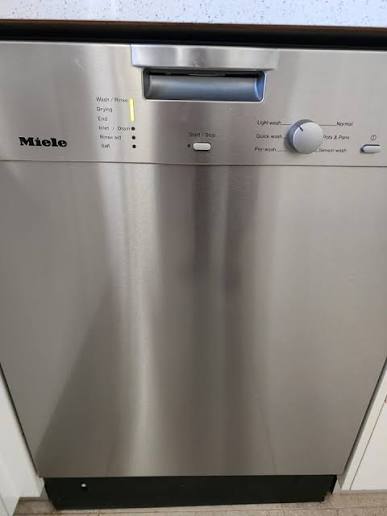
Dishwasher flashing lights and won’t run? Learn how to clear dishwasher flashing lights error code yourself with this expert step-by-step DIY guide.
How to Clear Dishwasher Flashing Lights Error Code Yourself
You just finished dinner, packed the racks with dirty plates, closed the door, and pressed start. But instead of the comforting sound of rushing water, your machine lets out a frantic series of beeps, and the control panel erupts into a rave of blinking LEDs. Whether it is a single light flashing rapidly or the entire console blinking in unison, your appliance has officially gone on strike.
Look, I get it, appliance maintenance is boring but standing in your kitchen staring at a blinking dashboard when you have a sink full of dirty dishes is incredibly frustrating. Your immediate instinct might be to pull out your phone and call an emergency appliance technician, bracing yourself to pay a $150 service call fee just to have someone press a few buttons.
Here is the real talk: modern dishwashers are basically specialized computers. When a sensor inside the machine detects an issue—like water draining too slowly, a door latch failing to secure, or a minor heating delay—the main control board shuts down the cycle and triggers a visual alert. Many times, these blinking alerts are caused by simple electronic glitches, trapped debris, or minor component misalignments that you can resolve without spending a fortune. At FixNest.xyz, we are dedicated to providing the practical, money-saving knowledge you need to take charge of your kitchen repairs safely. Let’s look at exactly what those blinking signals mean and how to clear dishwasher flashing lights error code yourself.
The Troubleshooting Matrix: Blinking Patterns Decoded
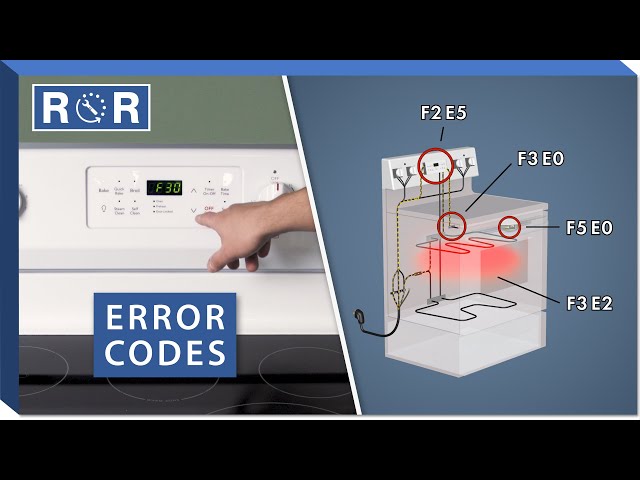
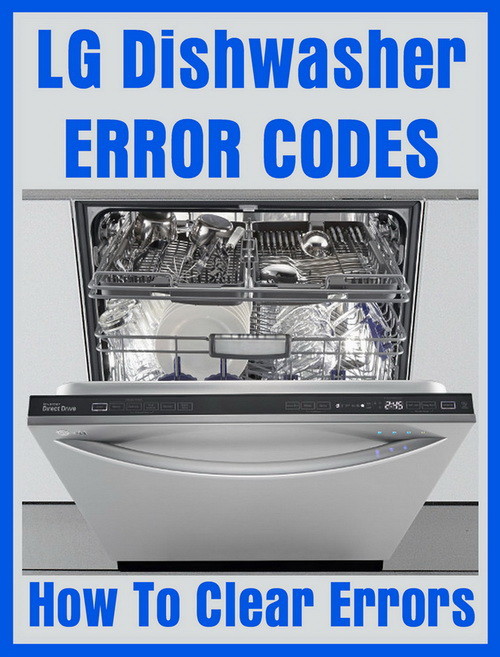
Different dishwasher brands (like Whirlpool, Bosch, GE, Frigidaire, and Maytag) communicate faults in distinct ways. Some use explicit alphanumeric codes (like E15 or F2), while others rely entirely on flashing specific cycle lights. The matrix below breaks down what these blinking combinations usually mean in plain English.
| Flashing Light Pattern | What the Machine Thinks | Most Likely Root Cause | DIY Repair Success Rate |
| “Clean” or “Normal” Light Flashes 7 Times | Heating Element Failure | The water didn’t reach the correct temperature within the timed limit | High |
| “Start” or “Resume” Light Blinking Continuously | Door Interlock Interruption | The control board thinks the door was opened mid-cycle or isn’t latched | Very High |
| “Sanitized” or “Heated Dry” Light Flashing | Internal Temperature Sensor Fault | The thermistor is sending erratic readings or has a loose wire connection | Moderate |
| Multiple Status Lights Blinking Simultaneously | Drain or Fill Time-Out Error | Water is either staying in the tub too long or filling too slowly | High |
The “Power Drain” Reset: Your First Line of Defense
Before we grab a single screwdriver, we need to rule out a temporary software freeze. Just like your home internet router or smartphone, the microprocessors inside your dishwasher’s electronic control module can get confused by minor electrical line noise or a sudden voltage drop in your home’s grid.
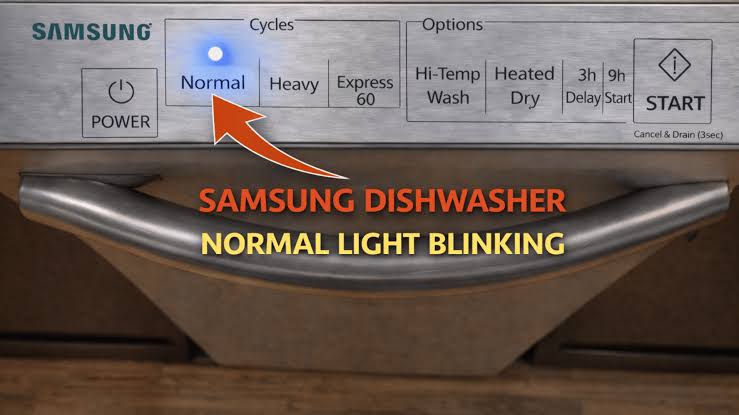
Simply tapping the power button over and over will not clear a hard fault memory from the board. You need to perform a complete physical power down to clear the cache.
How to Hard Power Reset Your Dishwasher
- Locate your kitchen’s main electrical breaker panel.
- Find the dedicated single-pole circuit breaker labeled for your dishwasher (it is usually a 15-amp or 20-amp switch).
- Flip the breaker completely to the Off position.
- Leave the power disconnected for at least 10 full minutes. This delay is crucial because it allows the electrical charge stored inside the control board’s capacitors to drain away entirely, wiping out the temporary error code loop.
- Flip the breaker firmly back to the On position.
If you are lucky and your appliance was simply experiencing a temporary digital hiccup, the display should return to its normal idle setting. If the flashing lights return the second you select a cycle, it’s time to tackle the underlying mechanical culprits.
Detailed Step-by-Step Guide to Clearing Common Blinking Alerts
If the hard reset didn’t do the trick, don’t panic. We can methodically check the three most frequent hardware issues that trigger these specific error routines.
Step 1: Fix the Door Latch Security Issue (“Start” Light Blinking)
If your machine is flashing its “Start” or “Resume” light, the microchip believes the door is unlatched. If the door isn’t sealed flush, the machine locks out the water valves to prevent flooding your kitchen floors.
- Unplug the dishwasher or flip the breaker off. Never touch internal wiring switches while the unit has live power.
- Open the door and inspect the plastic latch hook assembly at the top center of the door frame. Is it bent, packed with hardened detergent, or loose? Wipe it clean with a damp rag.
- If the latch is physically intact, unbolt the inner stainless steel door liner screws using a Torx driver to look behind the control console panel.
- Locate the small black microswitch attached to the latch mechanism. Check if the wire harnesses are plugged tightly onto the metal terminals. If a wire has vibrated loose from the natural shaking of normal usage, push it securely back on.
Step 2: Clear the Hidden Water Log (“Clean” Light Blinking)
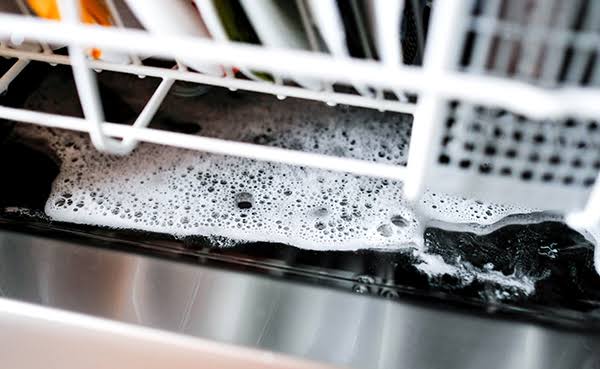
Many modern dishwashers (especially European designs like Bosch) feature a solid plastic base pan underneath the main wash tub. If an internal pump seal leaks even a tablespoon of water, it collects in this bottom pan and lifts a small styrofoam float switch. This triggers an anti-flood code, causing the lights to flash wildly while the drain pump runs continuously.
- Disconnect the power to the machine entirely.
- Remove the lower metal kickplate panel (toe kick) near your kitchen floor by removing the two screws holding it in place.
- Use a flashlight to look underneath the metal tub frame. Is there a pool of water sitting in the low-profile plastic bottom tray?
- The Fix: Lay down some old bath towels. Use a sponge or a large syringe to manually suck all the standing water out of that bottom pan. Once the tray is completely bone-dry, the styrofoam float will drop back down to its home position, instantly clearing the safety lock circuit.
Step 3: Unclog the Drain Sensor (Multi-Light Blinking)
If your machine is flashing multiple indicators at once, it often means the cycle took too long to drain out the dirty water. A build-up of grease or food debris can fake out the pressure sensors.
[Tub Holds Water] --> [Sensor Reports Blockage] --> [Control Board Safe Lockout] --> [Lights Flash]
- Open the door and remove the lower dish rack completely.
- Twist the circular plastic mesh filter assembly at the bottom of the tub counterclockwise and lift it straight out.
- Wash the filter under hot running water using an old toothbrush to scrub away grease film and food deposits.
- Look down into the exposed drain sump well with a flashlight. Look for fruit pits, stray bone fragments, or broken glass that might be jamming the plastic drain pump impeller blades. Carefully clear away any obstructions you find.
- Reassemble the clean filter matrix flush and run a quick rinse cycle to see if the code has cleared cleanly.
Key Technical Insight for Dishwasher Maintanence
Preventing an electronic lock-out is always significantly easier than trying to decipher flashing lights under the stress of a dirty kitchen. Keep these technician insights in mind to maximize your appliance’s lifespan:
- Stop Pre-Rinsing Your Dishes Completely: It sounds counterintuitive, but modern high-efficiency dishwashers utilize smart optical turbidity sensors to read how dirty the water is during the initial wash phase. If you scrape and rinse your plates totally clean before loading them, the sensor tells the computer that there is zero soil in the water. The control board then shortens the cycle time and lowers the water temperature. This means your detergent doesn’t dissolve completely, leading to heavy soap scum buildup that ultimately coats the internal heaters and sensors, triggering premature temperature error codes. Just scrape off the large bones and chunks, and let the machine do its job.
- Run an Annual Vinegar Cleanse: Once or twice a year, pour two cups of plain white vinegar into a wide-mouthed bowl, place it upright on the top rack of an empty dishwasher, and run a heavy-duty hot wash cycle. The natural acid completely dissolves hard water calcium scale and mineral buildup inside the spray arms and pressure switches, keeping your internal sensors reading accurately.
When Is It Time to Call a Professional?
At FixNest.xyz, our goal is to give you the ultimate confidence to handle your own home troubleshooting. However, if you have performed a hard power reset, cleared out the lower safety pan, scrubbed your drain filter matrix, and the control panel continues to flash instantly upon restoration of power, you may be dealing with a physically fried microprocessor on your main Electronic Control Module (ECM) or a completely burnt-out heating element. If you notice visible scorch marks on the control board circuit tracks or if your multimeter reads zero continuity across the terminals of the main heating tube, the component itself has reached the end of its life. If you feel uncomfortable handling complex multi-wire circuit boards, it is a smart decision to request a diagnostic quote from a trusted local technician.
Join the FixNest Repair Community
Learning how to clear dishwasher flashing lights error code yourself is an incredibly empowering skill. Not only do you keep a massive chunk of money in your wallet, but you also take complete charge of your household’s mechanical health instead of feeling helpless when an LED starts blinking.
If this step-by-step diagnostic roadmap helped you reset your control panel layout and get your kitchen running smoothly today, don’t stop here! Be sure to bookmark FixNest.xyz so you always know exactly where to turn whenever your refrigerator starts clicking, your clothes dryer loses heat, or your top-load washing machine leaves clothes soaking wet.
Did you run into a tricky issue while trying to trace a specific blinking light loop on your machine, or do you need help identifying a part number for your model layout? Drop a comment below! I monitor our message boards regularly to help readers navigate their tricky appliance fixes. And don’t forget to subscribe to our newsletter to receive simple, monthly appliance care checklists and money-saving DIY advice delivered straight to your inbox. Let’s tackle your household repairs together, one fix at a time!